
Elebia hooks are engineered for global use, allowing them to be adapted to the radio frequency regulations of different regions. To ensure optimal performance, it's crucial to configure the radio parameters correctly. This article will guide you through the essential parameters: Channel, Frequency, and Reach, which can be modified using various devices such as eMINI, eINST, eMAX, and eLINK.
You can visit the following link for more information on how to configure the hook radio with the eMAX. [here]
You can check the following link for detailed instructions on setting up the radio on the eMAX. [here]
At this link, you can see how to change the radio parameters on the eMINI/eMAX.[here]
1. Channel Configuration
Elebia hooks are delivered with Channel 1 as the default setting. Channel 2 is reserved for factory testing or situations where Channel 1 may experience interference.
Changing the Channel on the Hook
To change the channel, follow these steps:
- Open the cover that protects the electronic components.
- Adjust the microswitch on the electronic board.
EVO1024 E-P / EVO1024 E-P ARIB | 000920/000922/EVO2-1400/EVO2-1400 ARIB |
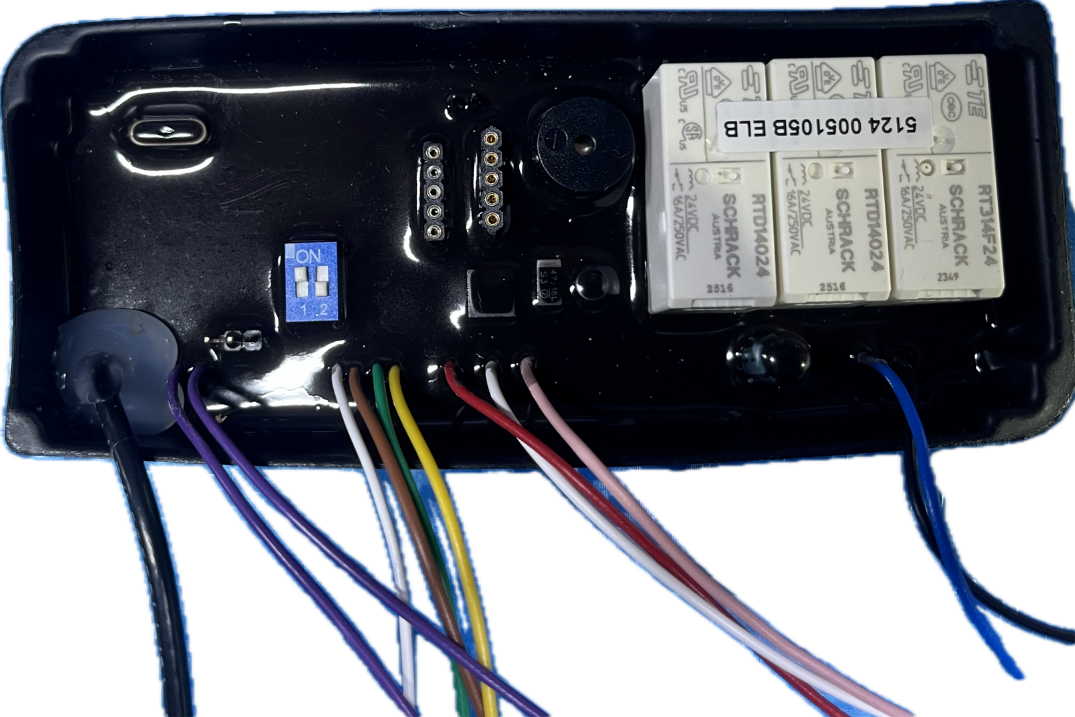 | 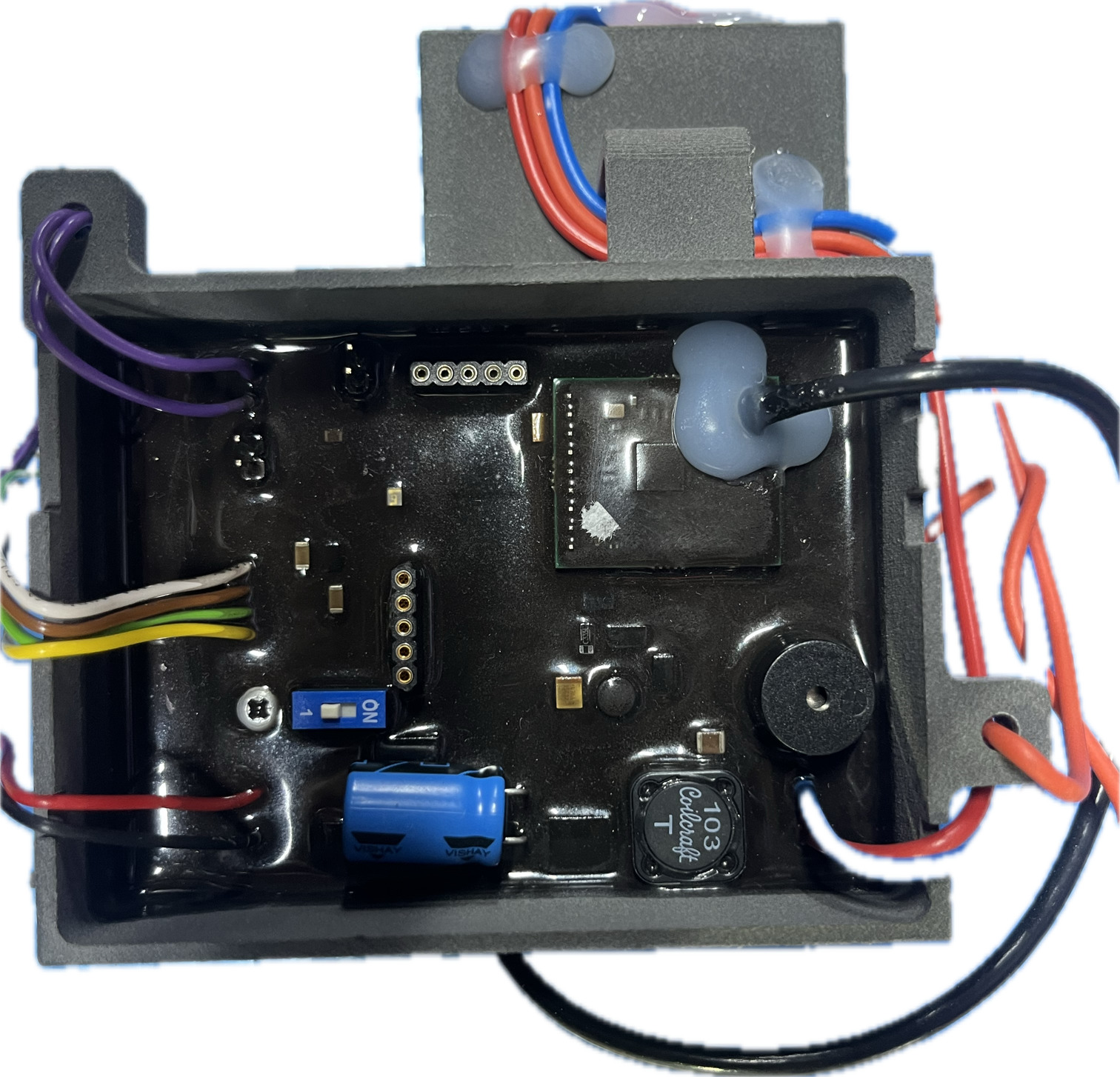 |
For EVO2, NEO20 / 20S / 50 / 60, eTRACK, C5/C6, D10 Models : Simply switch the position of the microswitch to change the channel.
For EVO5 / 10 / 20 / 25, S40, NEO100 Models: These models feature a dual-switch configuration. Set the switches as follows:
- Switch 1 ON + Switch 2 OFF = Channel 1
- Switch 1 ON + Switch 2 ON = Channel 2
Controller Channel Configuration
The control device must also be set to the same channel. For eMINI and eINST, this involves opening the housing and adjusting the microswitch. For eMAX, you can modify the channel directly through the radio configuration menu. You can
2. Frequency Configuration
Selecting the correct operating frequency is essential to comply with regional regulations. The available frequencies are:
- Korea: 917.5 MHz
- Japan: 924 MHz
- USA (FCC): 904 MHz
- Europe: 868.95 MHz
Certification documents for these frequencies can be downloaded from the official documentation [link]
3. Reach (Maximum Communication Distance)
The REACH parameter defines the maximum communication distance between the hook and the controller, with options of 100 meters or 150 meters. By default, all hooks are set to a reach of 100 meters for stable connectivity.
As with the other parameters, ensure that both the hook and control device are configured to the same reach setting.
Summary
For safe and effective operation, it is vital that the following parameters match on both the hook and the controller:
- Channel
- Frequency
- Reach
Consistent configuration across devices not only guarantees reliable communication but also ensures compliance with regional radio regulations. If you have any questions or need assistance with the configuration process, please feel free to reach out to our customer support team!